 LabelNest
Preview · iPhone & iPad · 0.5.0
Make a label.
Print what you need.
Start with a photo or a blank label. Add your words, choose a background, and print one label or a selection. Organize labels into folders whenever you like.
LabelNest is preparing for its first App Store release and is not yet available to download.

Start with your photo
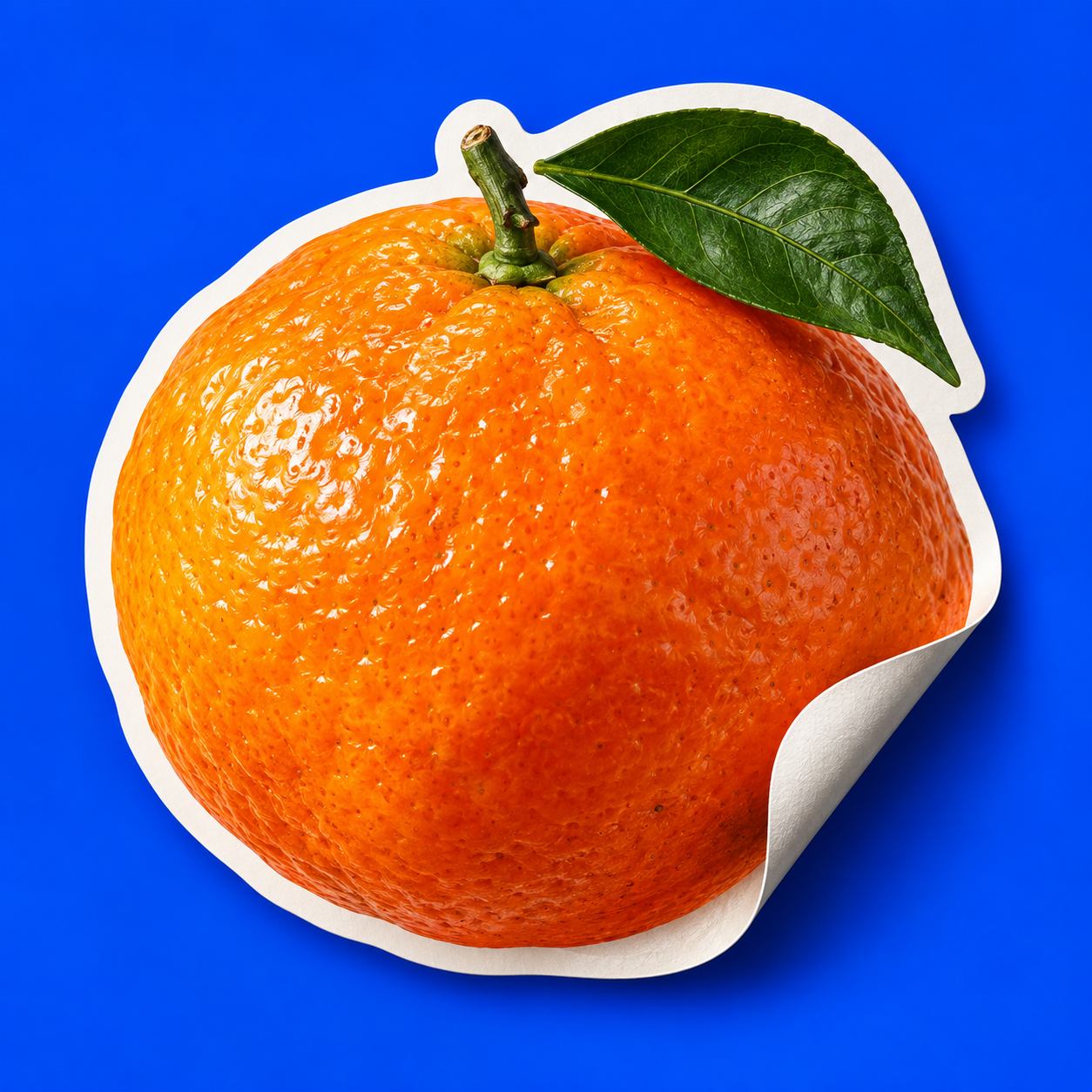
Choose a photo or take one. Remove background is on by default; turn it off to keep the original. Cutouts run on your device, with a white outline and soft shadow you can adjust.
Make it yours
Add a title and a second line, choose fonts and colors, and frame your photo. Give a cutout a transparent, suggested, or custom solid background. Reopen the label to edit it again.
Print only your selection
Print one label or select several, with the copies you choose. Enter width and height in millimeters, use a grid or free layout, and preview Letter or A4 pages before exporting a PDF or printing.
Your labels first. Folders when you need them.
Create a label directly from Home, without creating a project or saving a separate image first. New labels appear in Unfiled. Move one or several into a folder, or create labels inside a folder. Use the photo examples as a starting point for classroom supplies, storage bins, pantry shelves, and everyday objects.
Printing a label does not include the rest of its folder. Changes made in the print preview apply to that print job, leaving your saved labels and folders unchanged.
One paid download. No subscription or in-app purchases. The planned release includes label editing, local image tools, folders, PDF export, and printing without a separate feature unlock. The price will be shown in the App Store when the app becomes available.
Your creative work stays local. LabelNest has no account, advertising SDK, analytics SDK, or cloud AI upload service. Photo processing and color recommendations run on your device. Sharing, printing, App Store downloads, and device backups have their own data flows, explained in our privacy policy.